Custom Drawing Grids
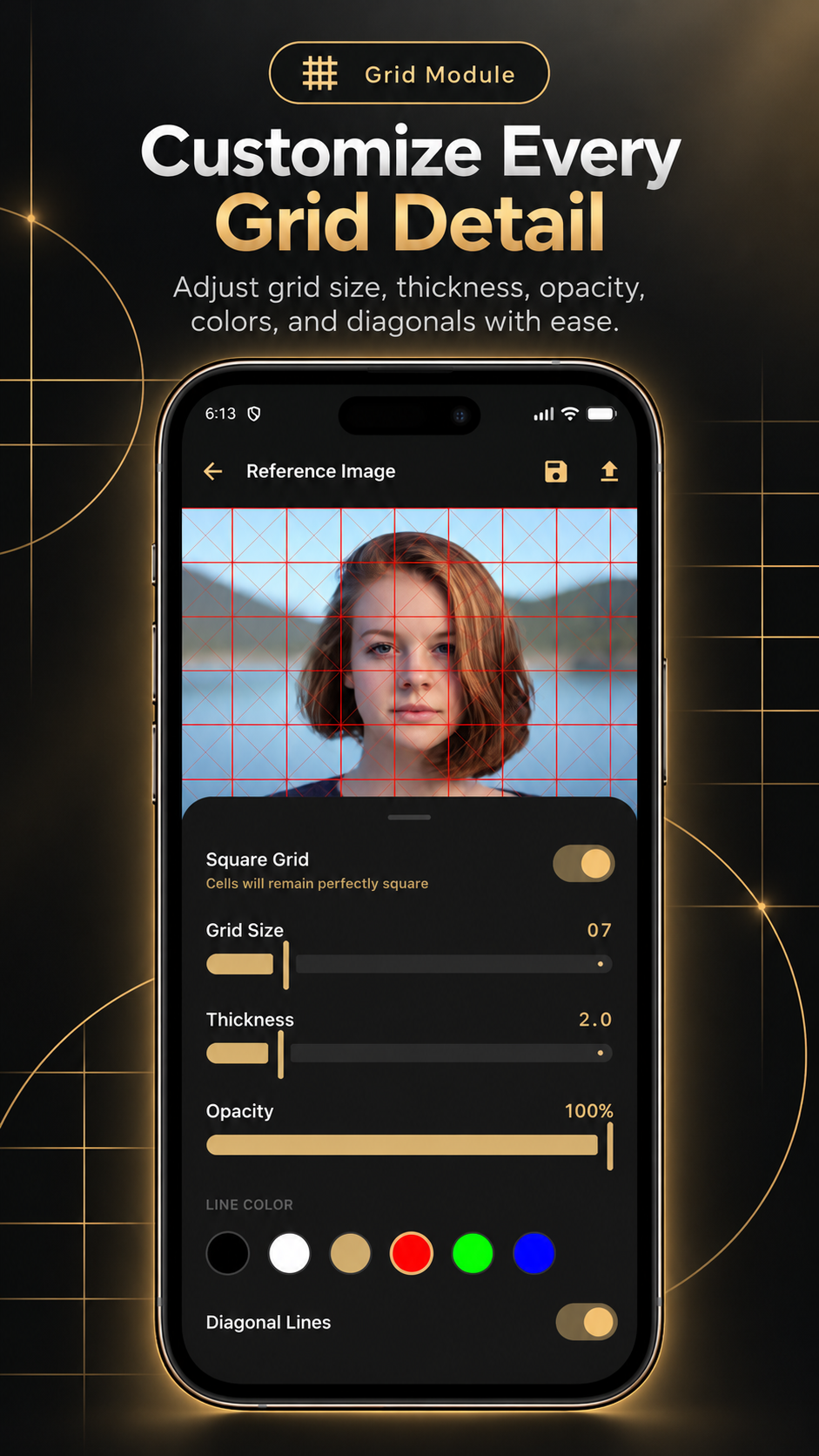
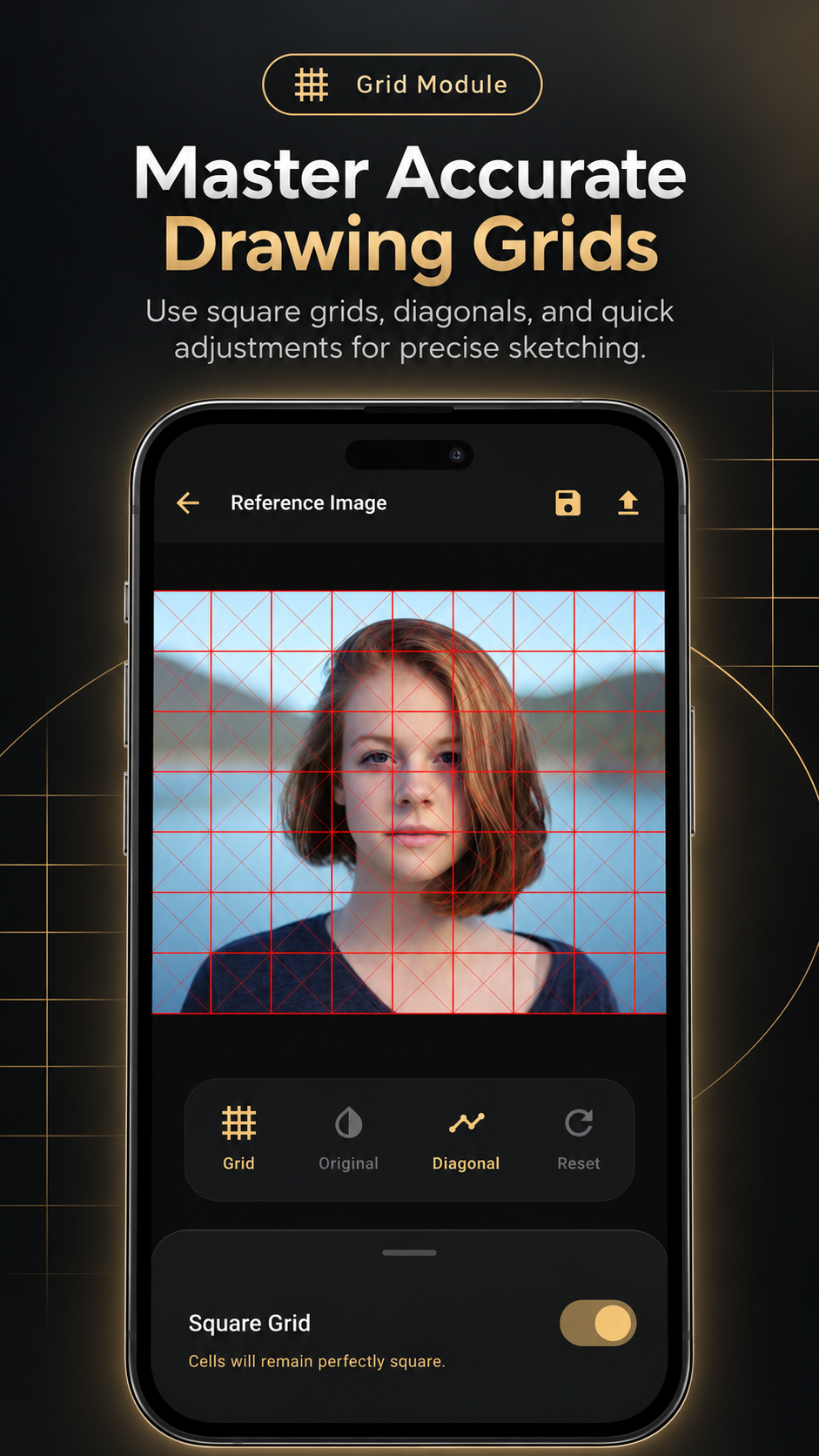
Overlay square grids, tune size and thickness, adjust opacity, switch colors, and add diagonals for accurate proportions.
Drawing Grid & Tracing App for Artists
LoomiGrid is an Android drawing grid app for turning any reference into a clearer drawing. Use Grid for proportions, Construction Draw for planning, or Trace with filters and opacity controls to study a reference and draw an accurate outline.
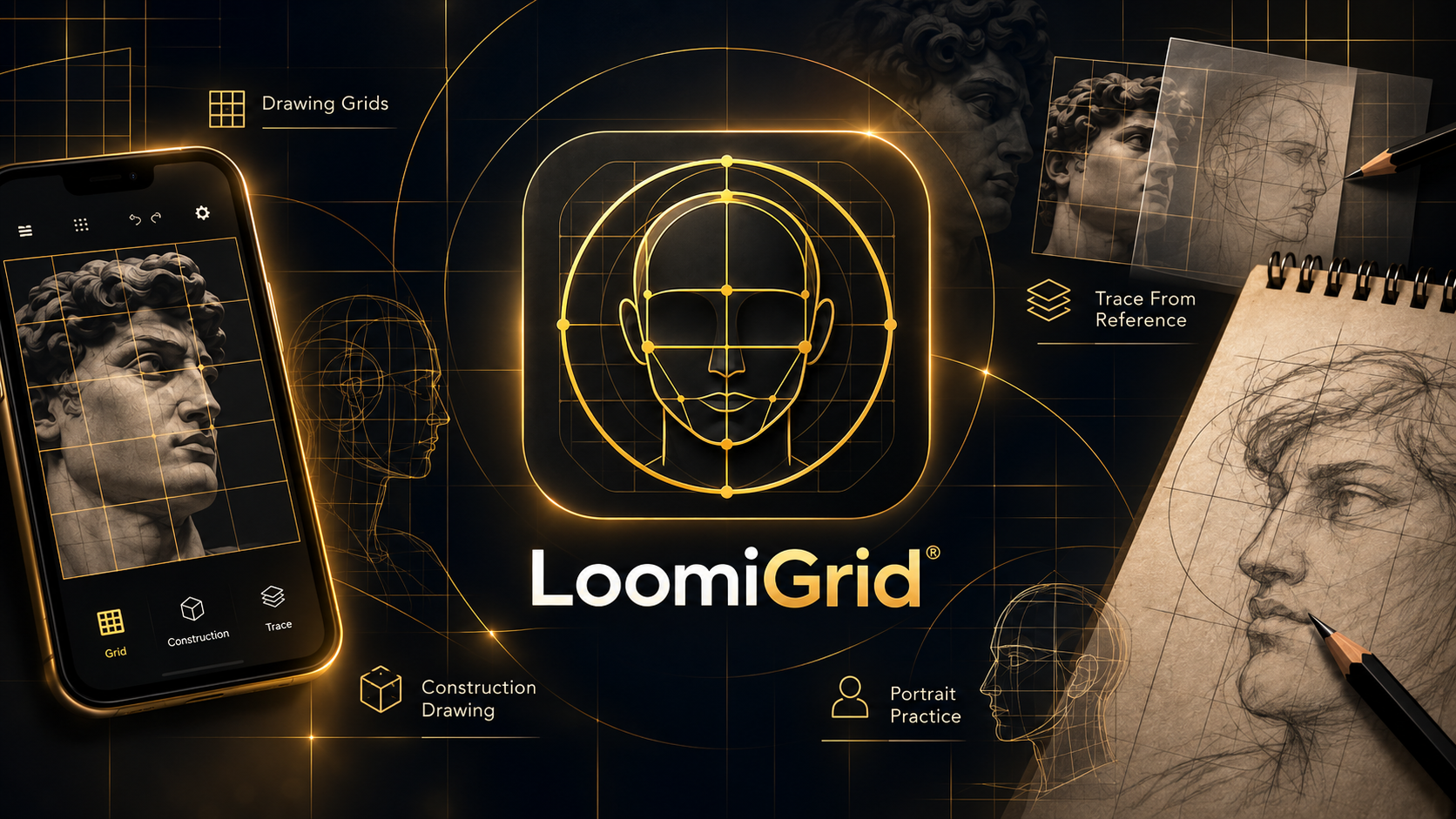
What it does
LoomiGrid helps artists add a grid to any reference photo, adjust rows and columns, tune line thickness and opacity, and use diagonal guides to compare proportions. As an outline drawing app, it is useful for portraits, objects, landscapes, sketchbook transfer, reference studies, and building cleaner outlines before adding detail.
The app is made for artists first: break complex references into smaller sections, plan forms with construction tools, or use filters and trace overlays to draw an outline from a photo with more control.
Overlay square grids, tune size and thickness, adjust opacity, switch colors, and add diagonals for accurate proportions.
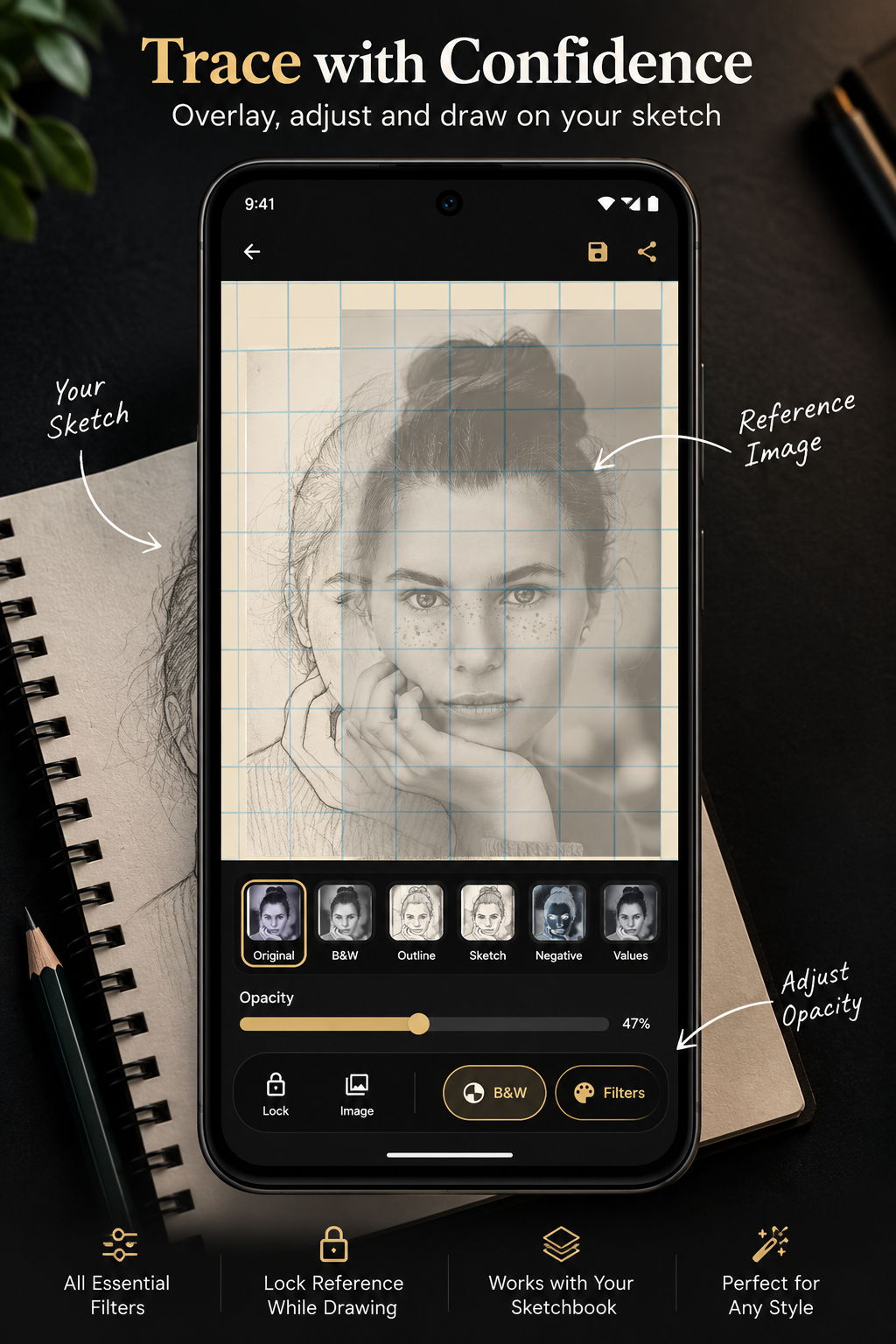
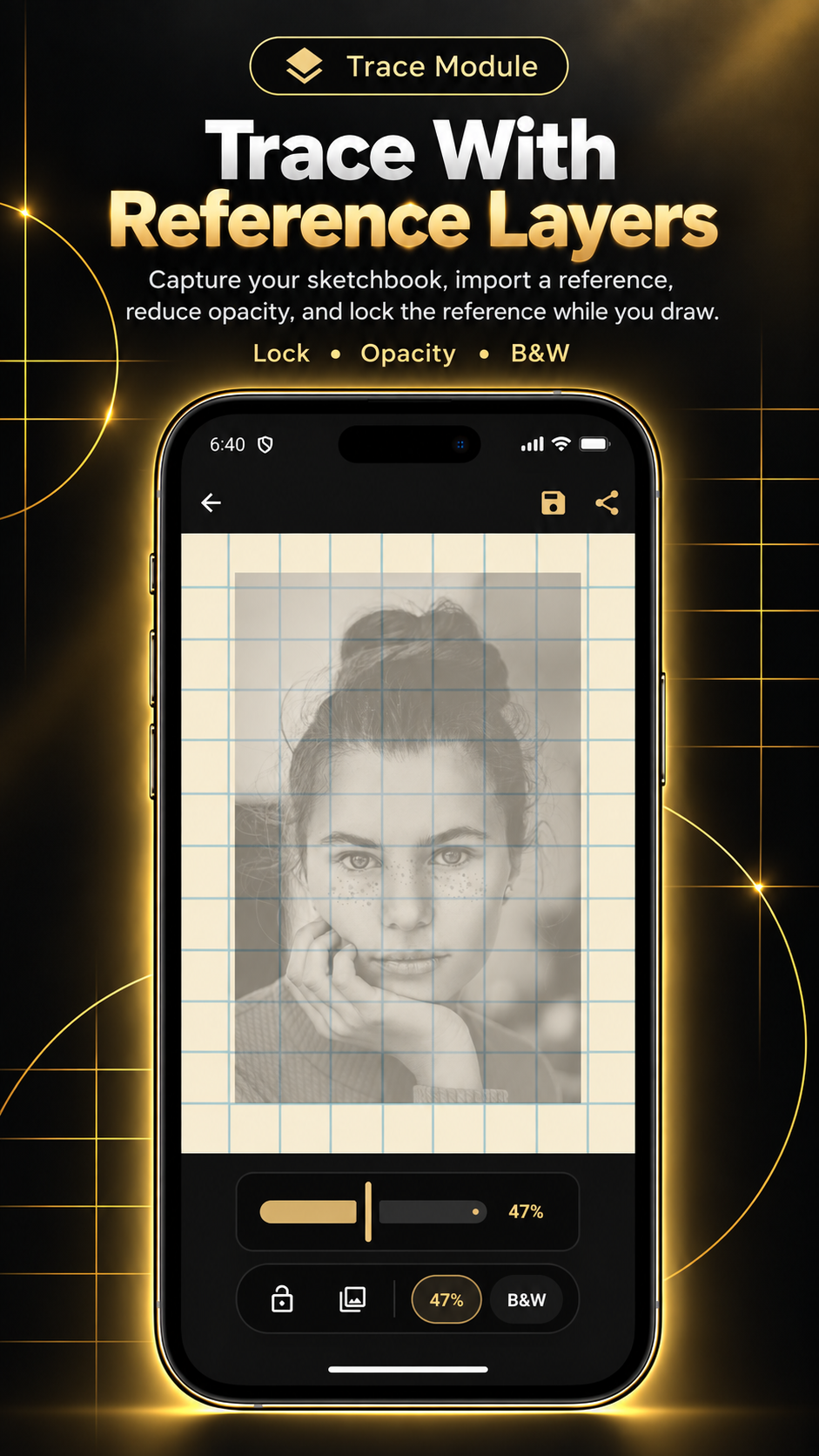
Import a reference, reduce opacity, lock the image while drawing, and apply useful filters such as black and white, outline, sketch, and values.
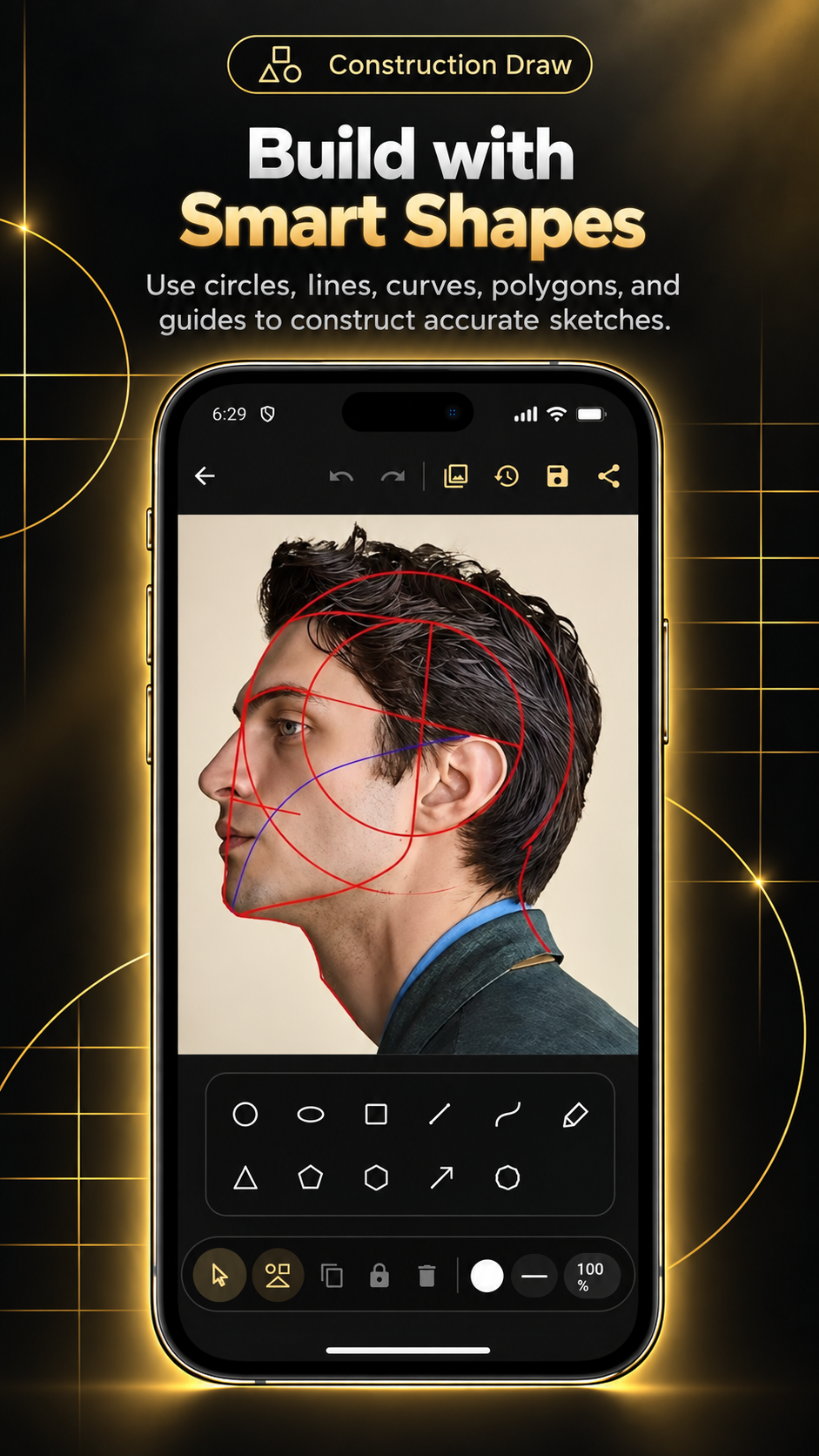
Build faces with circles, lines, curves, polygons, arrows, and guided shape tools made for structured sketching practice.
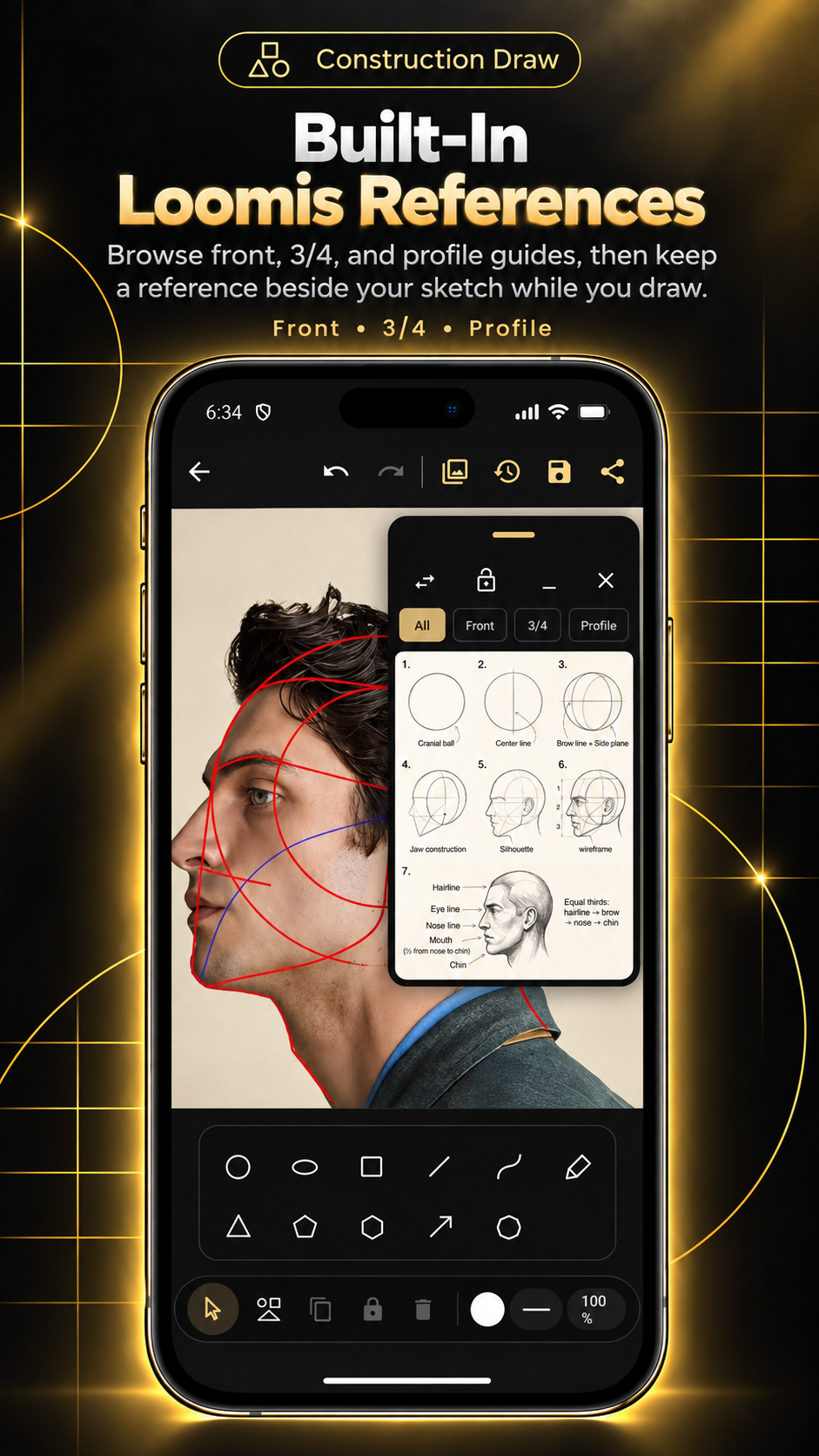
Keep front, three-quarter, and profile construction references beside the sketch while studying facial structure.
Use circles, ovals, lines, rectangles, curves, and guide shapes to plan a head before drawing details. Built-in front, three-quarter, and profile references support Loomis-style head construction practice.
Import a reference image, reduce its opacity, apply artist-friendly filters, lock alignment, and use the phone as a practical reference overlay while drawing from paper or a sketchbook.
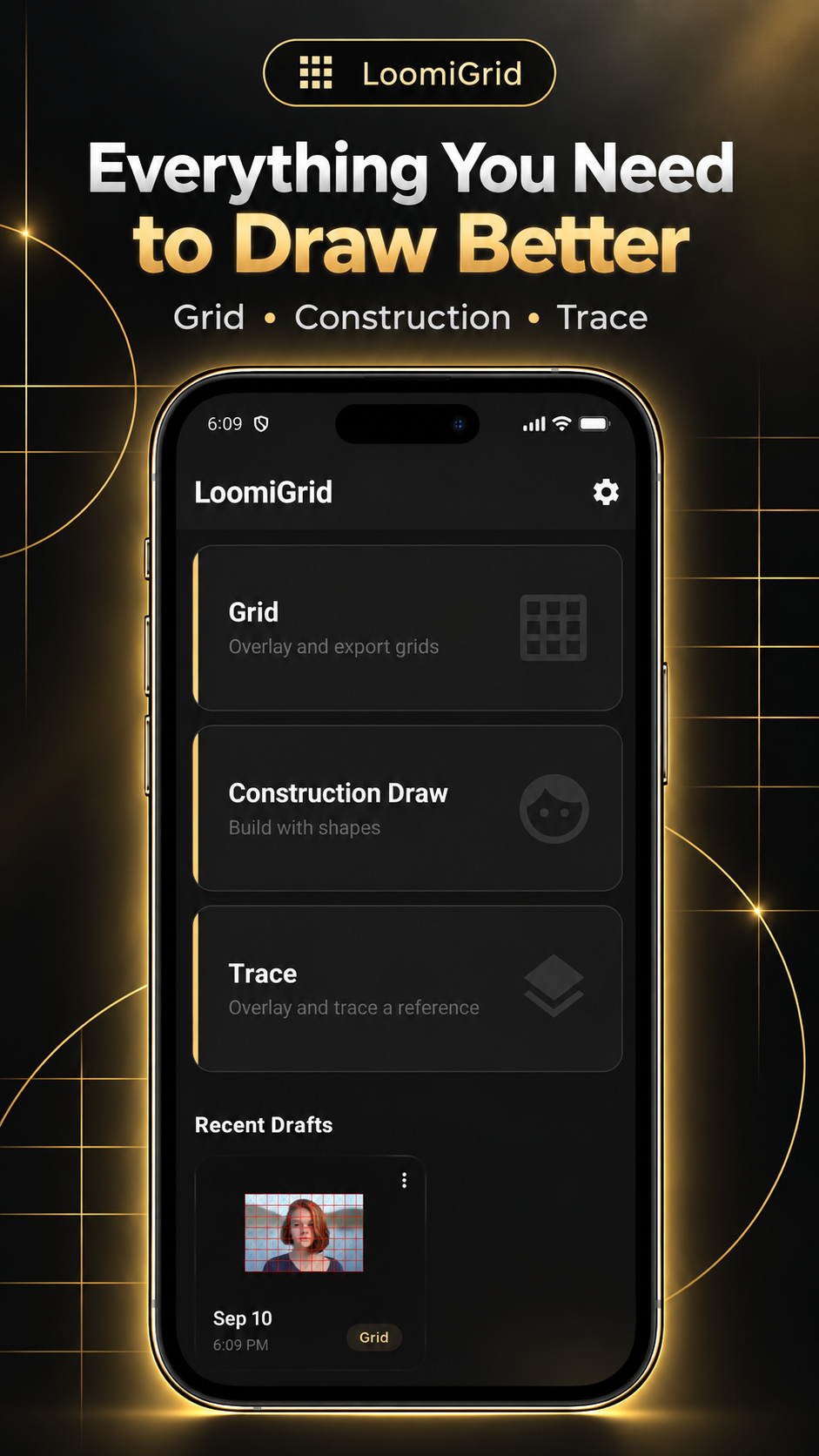
LoomiGrid combines a grid maker, reference image overlay, construction drawing helper, outline drawing aid, draft saver, and export workflow in one Android app.
Product gallery
LoomiGrid gives artists a focused mobile workspace for reference drawing, grid studies, proportion checks, outline drawing, and construction practice.
How LoomiGrid works
Start with Grid, Construction Draw, or Trace depending on how you want to study the reference.
Use an image from your device or a camera/sketchbook reference as the base for your drawing setup.
Change grid detail, opacity, filters, diagonal lines, reference lock, and construction shapes.
Keep drafts for practice sessions or export your artwork/reference setup when it is ready.
Artist workflows
LoomiGrid is for artists who draw from reference photos and want better proportion control without a complicated studio app.
Beginner artists learning to create accurate outlines from photos and other references.
Artists using a drawing grid app for portraits, objects, landscapes, and proportion studies.
Sketchbook artists who want a trace reference image workflow with opacity control.
Artists practicing the Loomis method alongside broader construction and outline workflows.
Questions
LoomiGrid is an Android drawing utility for artists that combines customizable drawing grids, construction and Loomis drawing guides, and tracing/reference tools to help transfer proportions and build accurate outlines from reference images.
The grid method divides a reference image into rows and columns so artists can compare smaller sections, check proportions, and copy shapes more accurately onto paper or a canvas.
Yes. LoomiGrid can overlay a drawing grid on a reference image and lets artists adjust grid rows, columns, thickness, opacity, color, and diagonal guides.
Yes, but it is not limited to portraits. LoomiGrid supports portraits, objects, landscapes, studies, and any reference where better proportions or a clean outline would help.
LoomiGrid works as a Loomis method drawing app with construction reference assistance for front, three-quarter, and profile head drawing, while still supporting broader reference drawing workflows.
Construction drawing tools are simple guide shapes such as circles, ovals, lines, rectangles, curves, and other marks that help artists plan the structure of a drawing before adding detail.
Yes. LoomiGrid supports a trace workflow with reference image import, opacity control, filters, and reference locking so artists can align and study a sketchbook or image reference.
LoomiGrid is a focused drawing grid app for Android that lets artists add customizable rows, columns, diagonal guides, opacity, and color controls to almost any reference image.
Yes. Import a photo, then use Grid, Construction Draw, or Trace with filters and opacity controls to study proportions and draw an outline from the reference.
Yes. Beginners can use LoomiGrid to break references into manageable grid sections, understand head construction, and create more accurate drawing outlines while practicing.
Yes. LoomiGrid is available for Android through Google Play.
LoomiGrid supports draft saving and export workflows so artists can keep practice setups or share finished reference and sketch work.